🏠 Home›Payment methods›How can I update my bank details?
How can I update my bank details?
You can update the credit card number used for membership renewal or ski pass purchases.
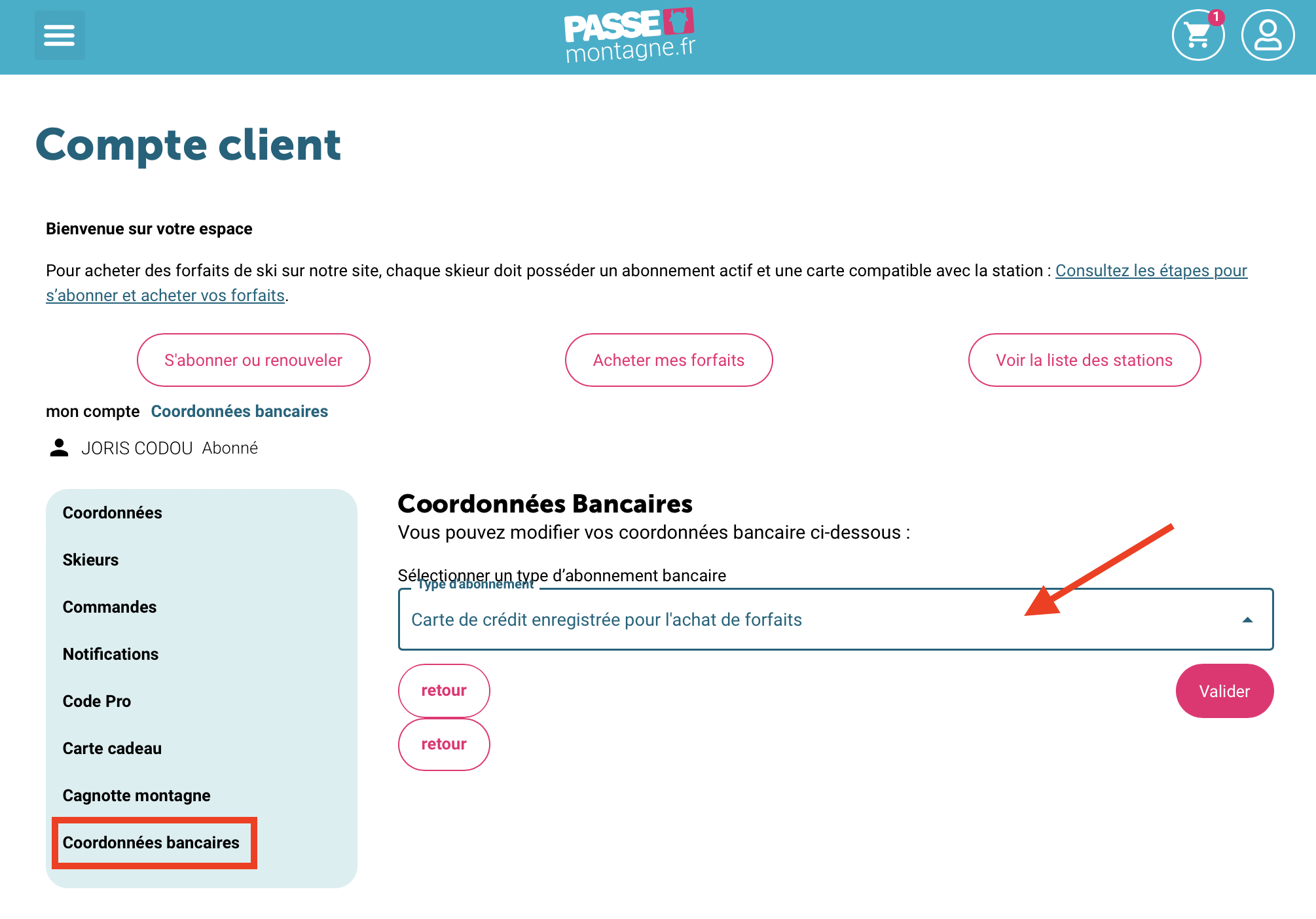
In your customer account, click on the Bank details tab.
Select the type of subscription:
-
Credit card saved for your membership (automatic renewal)
-
Credit card saved for ski pass purchases
Then click Validate and follow the steps to enter your new card details.